
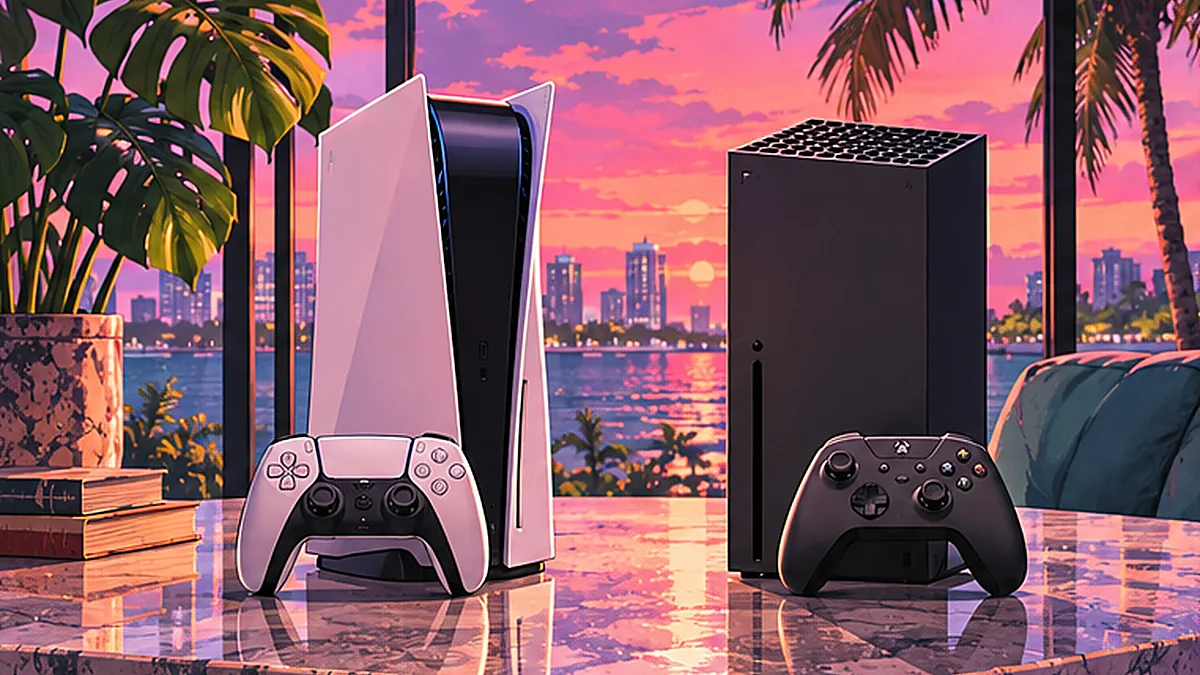
Sony lists GTA VI as PS5 Pro Enhanced. The platform stores confirm selected capabilities, but their labels do not establish a 60fps target or a console performance winner.
Reviewed November 2, 2026. Platform-advertised features are distinguished from independent performance tests, which this publication has not performed.
What is confirmed on each platform?
This matrix reports what the platforms advertise, not a hands-on test or feature equivalence audit. A platform not listing a capability in the cited page doesn't prove the capability is absent.
| Feature | PlayStation 5 / PS5 Pro | Xbox Series X|S |
|---|---|---|
| Scheduled launch | November 19, 2026 | November 19, 2026 |
| Game included | GTA VI's single-player story | GTA VI's single-player story |
| Enhanced label | PS Store lists PS5 Pro Enhanced | Xbox Store lists Optimized for Xbox Series X|S |
| Controller features | DualSense haptic feedback and adaptive trigger effects | No equivalent GTA VI-specific controller claims substantiated in these cited materials |
| Platform features | Tempest 3D audio, fast SSD loading, Remote Play supported | Xbox achievements, cloud saves and Xbox presence listed |
| Offline mode | PlayStation Store says Offline play enabled, one player | The Xbox product description calls GTA VI single-player; this listing does not establish all offline-activation conditions |
| Resolution / FPS | No measured or specified PS5-versus-Pro frame-rate figures supplied by these pages | No measured or specified Series X-versus-Series S figures supplied by these pages |
| PC game release | Not announced by Rockstar | Not announced by Rockstar |
What does PS5 Pro Enhanced actually mean?
The official PlayStation Store marks GTA VI as PS5 Pro Enhanced. That establishes the label, not which mode runs at 30 or 60 frames per second. Any claims about ray tracing, resolution, texture differences, load-time wins or Pro-only gameplay features require Rockstar or Sony specifications, or measured independent tests. Do not infer a guaranteed 60fps target from the Pro label.
Sony separately lists responsive DualSense haptics, adaptive trigger resistance, Tempest 3D positioning and near-instant transitions enabled by the PS5 SSD. These are publisher/platform claims, not a review of how consistently each feature works across every scene.
What about Xbox Series X and Series S?
Microsoft's official game product page lists both current Xbox Series consoles, along with achievements, presence and cloud saves. It does not by itself settle questions about frame-rate modes or loading differences between Series X and Series S.
The store calls the game single-player. That does not confirm a GTA VI Online launch mode, crossplay with PlayStation or a PC release.
Which console version should a buyer choose?
Start with the hardware you already own, where your friends and household play, and which regional storefront you can use. GTA VI's confirmed launch is a console release. Avoid recommending a new PS5 Pro purchase solely because of unverified promises of GTA VI frame rate.
The PlayStation listing also states the game is not available on PS4. No official Xbox One or Nintendo Switch version is announced in Rockstar's listed launch platforms.
Can you play it offline?
The PlayStation Store explicitly labels offline play enabled with a single-player mode. However, initial code redemption, downloading a code-in-box edition, online account features and some services can require an internet connection. It is unsafe to promise that the complete ownership and activation journey works offline.
For a dedicated answer about GTA+ and GTA VI's unannounced multiplayer future, see the related “GTA VI offline, online and GTA+” explainer.