
In the development build
Organize & share.
- Searchable mod browser and favorites
- Account-synced modpacks
- Version pins, share codes and link revocation
- Verified package downloads
- Read-only GTA V / RDR2 folder scanning
Find your next mod. Keep your favorites. Put together a pack and share it with friends.
Public download coming after release signing and testing.
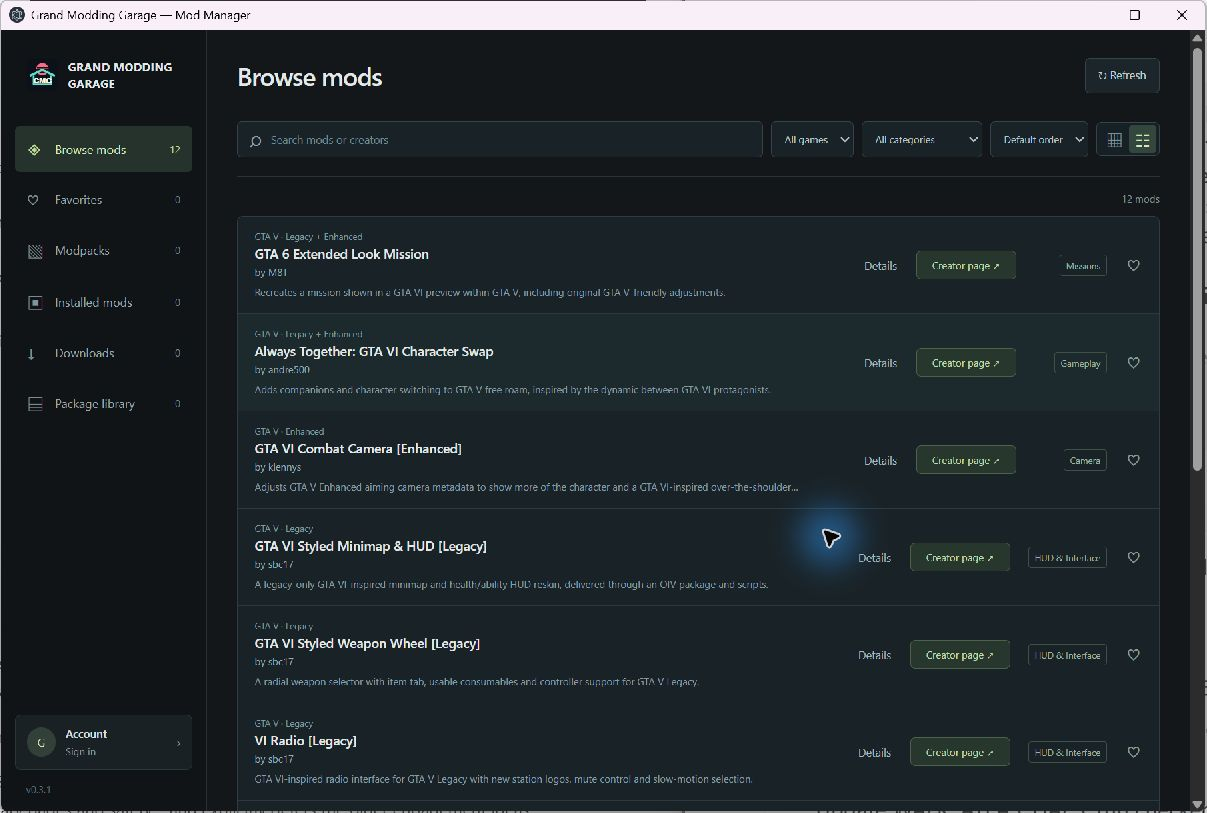
A closer look at the tools already built into the development preview.
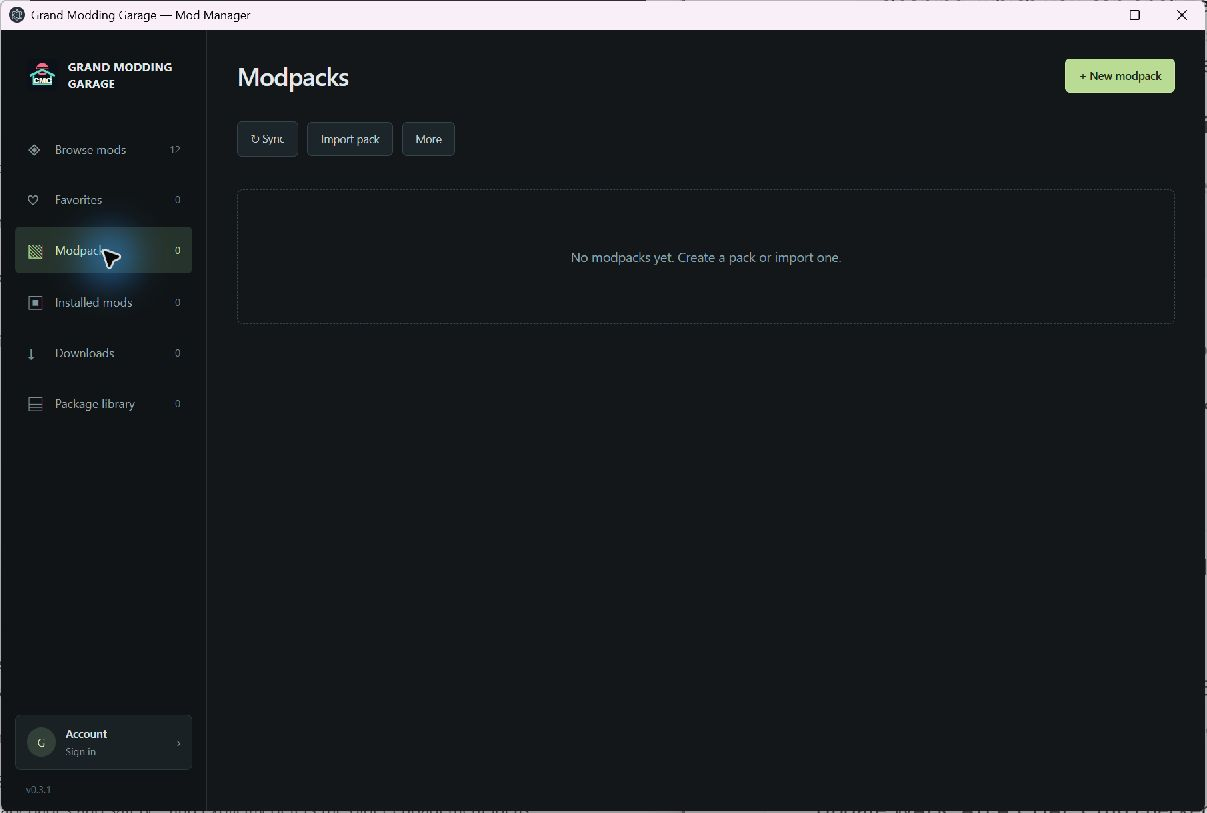
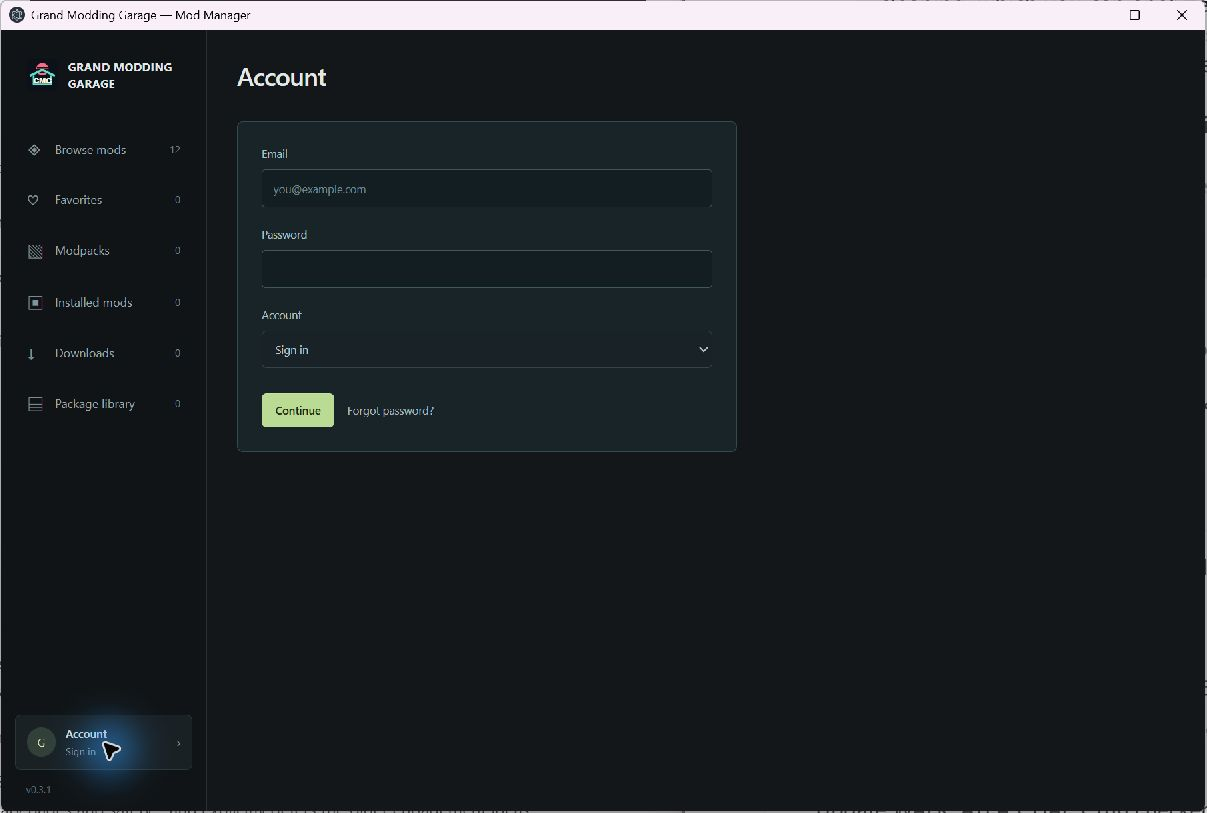
These are screenshots of the working prototype. Captured with Grand Modding Garage branding. This is a development prototype, not evidence of live cloud service or game installation support.
The publishing pipeline is built. Once download hosting is connected, approved releases can reach the manager through our signed catalog.
Browse the current creator directoryOur catalog identifies the creator, version, supported build and package checksum.
The manager checks the package's size and SHA-256 before adding it to your library.
Share exact versions with friends. Changed or unavailable packages are flagged before a pack download.
Current capabilities and planned work, without the guesswork.
Native GTA VI mod installation is not available. Support depends on the actual PC files, tools and tested installation methods.
The Windows development build exists, but a public download is not available yet. Release signing, hosting and end-to-end tests still need to be completed.
A pack contains mod references and version pins, not other creators' ZIP files. Share a link or code; a friend with a verified account can review and import a copy. Shared snapshots stay fixed until you revoke the link and create a new one.
Automatic GTA VI installation is planned. It needs a supported PC build, actual mod files and a tested game adapter. The current build downloads verified packages and provides read-only detection for supported GTA V and RDR2 file patterns.
The current manager does not extract or execute packages, or change game files. Downloads are kept locally; the installed-files view only scans a folder you select. Future installation features will need tested backups and rollback.
Follow the publication for modding coverage and development news.