
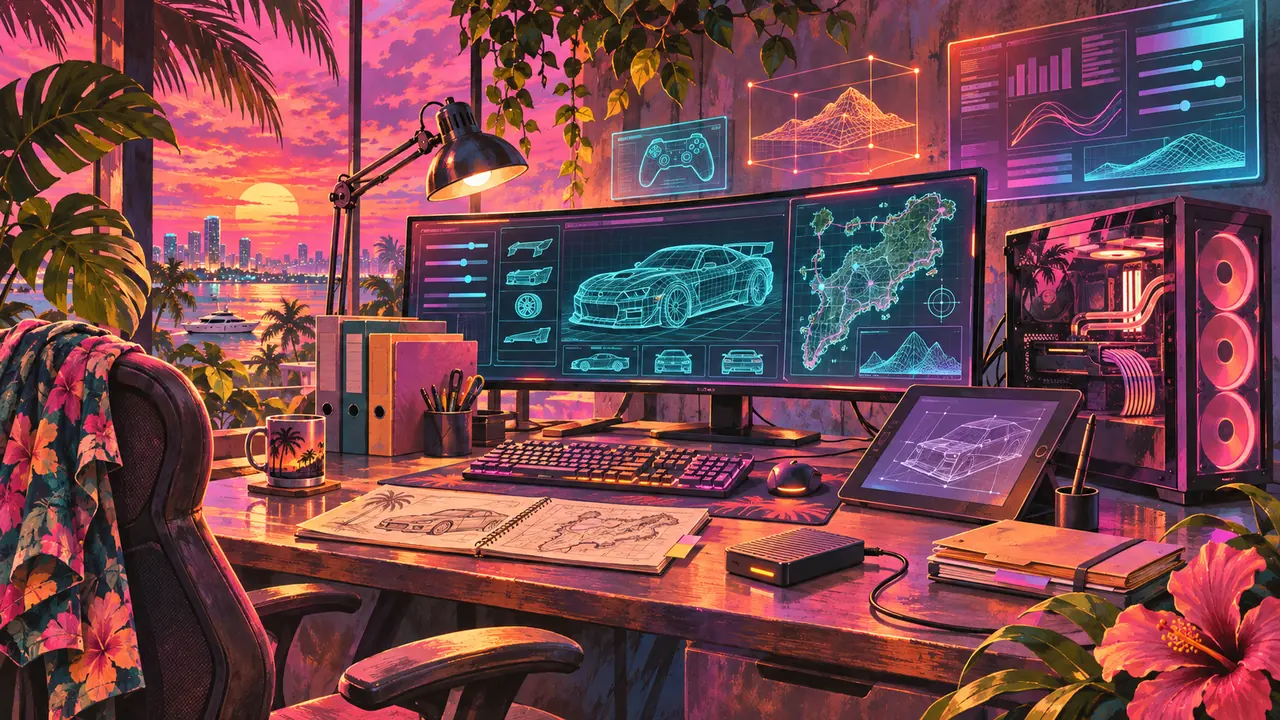
Remote Play tools are the first practical PC-adjacent 'enhancements' many GTA VI players can experiment with, but the options are not equivalent. Sony's official Remote Play app can display the game directly. Lossless Scaling processes another app's video window. Veyra offers more advanced effects and its own PS5 client. SmoovPlay integrates an alternative streaming path, and an HDMI capture card gives video software another kind of input. None of these solutions changes GTA VI's game engine or unlocks a native PC release.
Software features were checked against developer documentation and release pages November 20. No independent performance comparison was run, and the GTA VI SmoovPlay showcase is explicitly a simulated Remote Play feed.
The shortest answer: where the video comes from
Sony Remote Play is the official Windows client for a PS5. Lossless Scaling can process its window without requiring a second PS5 pairing mechanism. Veyra includes its own PS5 connection workflow and more configurable enhancements but requires trust in an independent application and Account ID pairing. SmoovPlay is an early open-source project that integrates chiaki-ng for streaming and RIFE for interpolation.
An HDMI capture card can provide a source to software like Veyra without relying on Remote Play over the local network, but it adds hardware cost and capture-preview complications. Ordinary HDMI passthrough shows the console's picture, not necessarily the processed frames that a PC application generates.
Feature comparison and the evidence behind it
The matrix distinguishes what software claims to offer from what has been independently demonstrated. The current tagged Veyra release checked here is v2.1.9; the latest SmoovPlay release is v0.3.10, and both projects describe unresolved compatibility issues. Lossless Scaling is an established paid Steam utility, but its general frame interpolation should not be assumed to remove duplicated GTA VI stream frames.
No pathway below is a native GTA VI game mod. A streamer can process a video and even create a more attractive recorded result without touching the underlying game. The possibility of better-looking output should be separated from input latency, compression artifacts and a true game render-rate increase.
| Approach | Video source | Optional frame generation | Important limitation |
|---|---|---|---|
| Official PS Remote Play | PS5 console over network | No built-in external interpolation | Stream may be compressed and game stays at console FPS |
| Sony Remote Play + Lossless Scaling | Existing PS Remote Play window | LSFG Fixed ×2, if cadence works | Duplicate 30 FPS frames in 60 Hz stream may judder |
| Veyra 2.1.9 | Own PS5 client or capture source | Multiple backends; duplicate-frame detection | Third-party pairing; some modes unverified |
| SmoovPlay 0.3.10 | chiaki-ng PS5; other modes experimental | RIFE-generated display frames | Early unsigned release; GTA VI demo simulated |
| Capture card + Windows processor | HDMI capture device | Depends on processing software | Hardware cost and capture latency |
Which route fits which reader
For someone prioritizing simple login and existing software support, start with official Sony Remote Play and do not install an enhancer unless the unprocessed picture is good. Add Lossless Scaling cautiously for window scaling or an optional fixed 2× test. For a PC enthusiast comfortable with independent PS5 pairing and GPU-specific backends, Veyra exposes more settings and documented duplicate-frame handling.
SmoovPlay may interest developers who want to inspect emerging open-source frame interpolation, but its unsigned early installer and simulated GTA VI preview call for additional caution. Xbox users should begin with Microsoft's own Remote Play and treat Veyra's Xbox pathway as experimental.
The three most common misunderstandings
One: a 60 Hz video stream may contain only around 30 distinct GTA VI game frames per second. Two: interpolation creates displayed frames but does not improve the frequency at which game logic processes input. Three: applying a video model after streaming is not the same as Rockstar integrating NVIDIA DLSS into the GTA VI rendering engine.
These details explain why a video can look exceptionally smooth while controls remain responsive only at the original cadence, or even feel delayed. Powerful GPU hardware cannot restore source information that was discarded during video compression.
How we'd conduct a proper buying or software recommendation test
To compare the tools fairly, use the same PS5, same installed build, same controller, same router and a continuous GTA VI gameplay route. Record direct-console reference, unprocessed stream, and each processed stream; report unique-frame counts, generated output, temporal artifacts, sound behavior and measured controller-to-screen delay.
Without that controlled test, buying a capture card or installing a complicated tool is a conditional choice rather than a guaranteed upgrade. Use the simplest method that improves the particular problem you notice and disable the effect if it introduces stutter, ghosting or unwanted latency.