
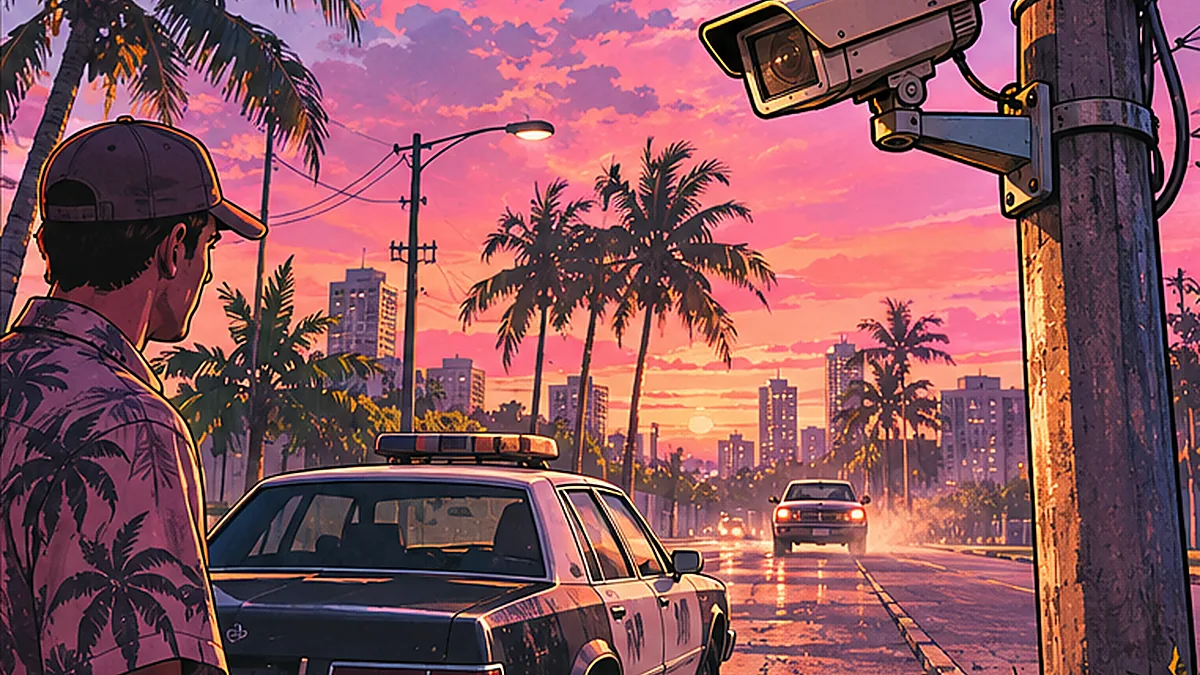
FIB: Most Wanted – Criminal Profiles Edition aims to make GTA V crimes accumulate consequences across sessions, rather than disappearing when a player restarts the game.
The four stages, counts, controls and setup are attributed to the GTA5-Mods creator page. We have not assessed runtime reliability, intellectual-property permissions or executable safety.
Four levels of pressure instead of one isolated chase
The creator's listing describes a criminal heat score that grows when the player commits offenses such as attacking police or destroying vehicles. Heat persists across play sessions. At rising thresholds, the system moves through LSPD surveillance, LSPD attack teams, FIB surveillance and FIB raids. These are author-described mod rules, not documented behavior in Rockstar's unmodified wanted system.
The interesting design change is continuity. Standard short-term evasion is no longer the only question: a player can end a successful chase but retain a higher threat profile that affects the next outing. That creates a reason to plan trips, manage exposure or deliberately reduce the accumulated heat.
Surveillance and movement change the encounter
The author advertises ten LSPD surveillance locations and twenty-one FIB locations, alongside raids that adapt to whether the player is driving, flying or on foot. Ground units, vehicles and helicopters are listed as possible responses. A configured interval allows additional dispatches while the relevant stage remains active.
The numbers describe the mod's planned or implemented system according to its creator; we have not validated how often locations spawn or whether several active response scripts interfere. A credible test would reproduce the same activity at two heat levels, then observe which units appear and whether the profile persists after reopening the game.
Edition, dependencies and conflicts
The installation instructions name ScriptHookVDotNet 3 and an optional FIB-banner add-on placed through the GTA V DLC folder and OpenIV's metadata workflow. They require a GTA V build supporting the Dr. Dre pedestrian asset. The page does not provide a reproducible GTA V Enhanced test matrix, so Enhanced compatibility should be treated as unconfirmed rather than inferred from the title.
Scripts that also change dispatch, police aggression or spawning may overlap with this mod. Before using several at once, compare their configured triggers and note which mod has control over enemy creation. Keep a backup and a clean single-player setup before investigating conflicts.
Why this is not a GTA VI police mod
The timing invites comparisons with the elaborate police investigations described in GTA VI previews and reviews. But this is a separate community project built for GTA V, with different mechanics and runtime dependencies. It demonstrates one modder's design response to wanted-level persistence, not proof that GTA VI can already accept scripts or custom police profiles.